Envato Elements vs Adobe Stock: Which One Is Actually Worth It in 2026?
in Comparisons on April 22, 2026Most designers waste money on stock assets they barely use. Choosing between Envato Elements and Adobe Stock directly affects your workflow speed, costs, and final output quality.
The correct asset library can save hours of work, whether you are putting together landing pages, creating ad creatives, client decks, or refreshing a brand identity, enhancing the result.
It can provide you with superior graphics, more refined templates, and creative consistency.
Choosing the right design resource for your workflow can be very challenging. That’s why we compare Envato Elements and Adobe Stock in this article.
The two platforms provide access to stock assets to the designers, but each is developed based on different problems.
Envato Elements specializes in diverse unlimited downloads, whereas Adobe Stock is associated with high-quality images and a tight Adobe Creative Cloud connection.
This article focuses on what both platforms offer, their use cases, a comparison table, and other free platforms.
What is the difference between Envato Elements and Adobe Stock?
Envato Elements offers unlimited downloads through a subscription, making it ideal for high-volume creative work. Adobe Stock provides premium-quality assets with per-asset or subscription pricing, best suited for professional projects requiring polished visuals and Adobe Creative Cloud integration.
What Is Envato Elements?
Envato Elements is a library that functions as a subscription. You make a regular payment and gain an unlimited number of downloads of a huge assortment of stock images, video loops, templates, presentation decks, graphics, mockups, website templates, and more.
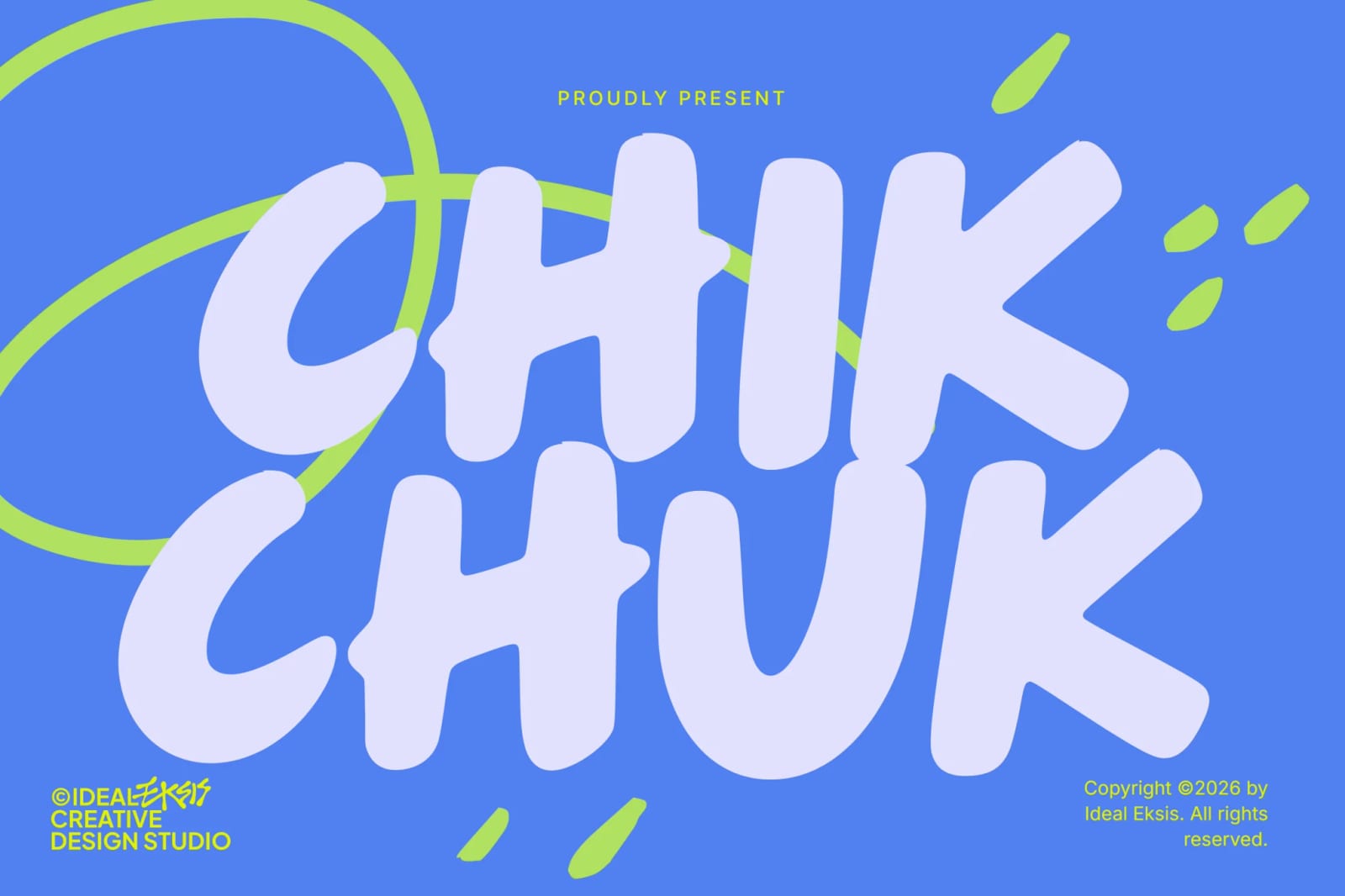
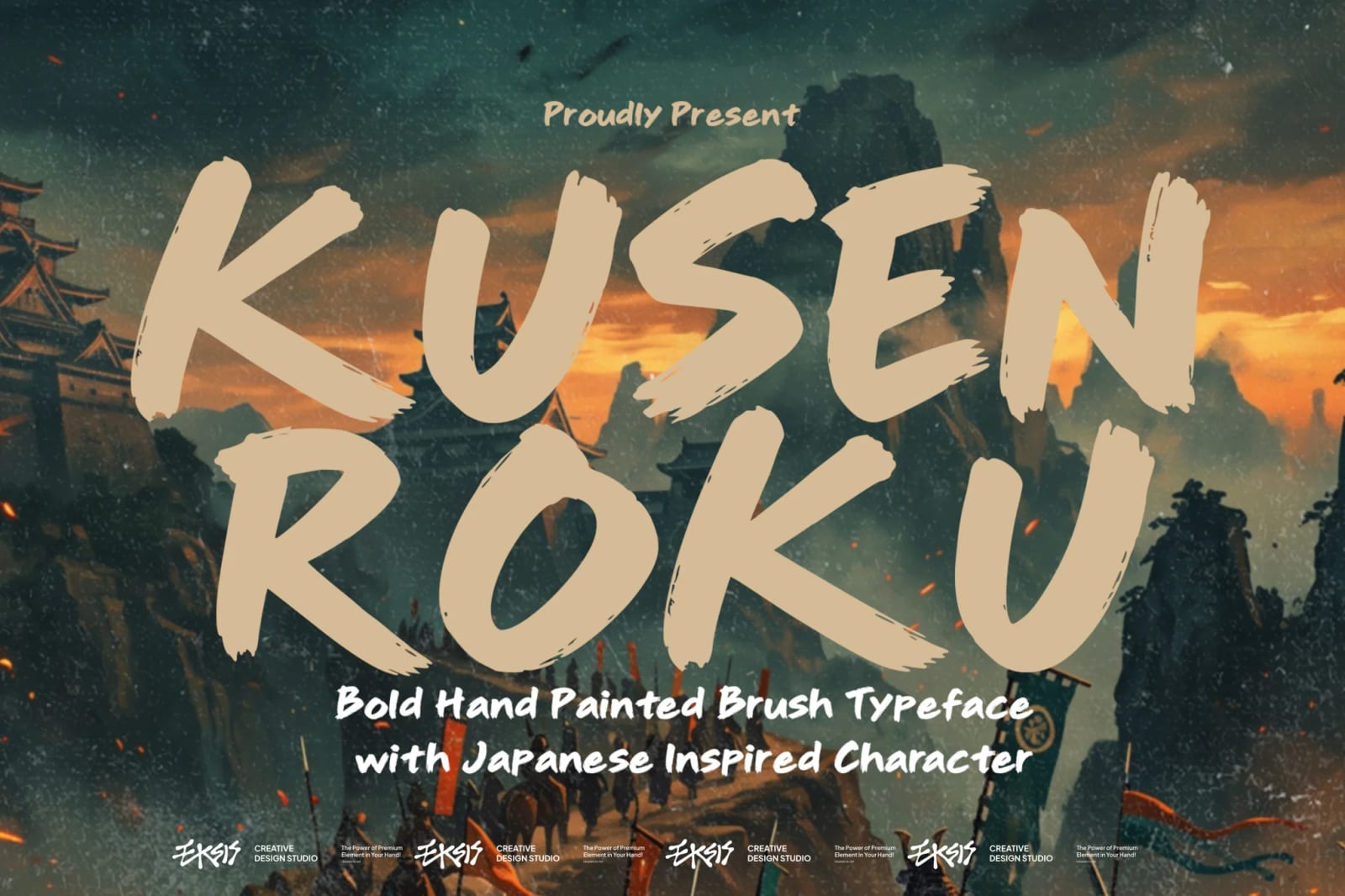
It also provides a large variety of fonts, which can be handy in terms of branding work, social content, and web design.
What Is Adobe Stock?
Adobe Stock is more selective. It focuses on superior photos, vectors, illustrations, audios, videos, as well as templates, but its greatest strength lies in the fact that it is integrated with Adobe apps.
The designers have the ability to view, test, and license the assets in-tool in applications such as Photoshop, Illustrator, and InDesign.
Envato Elements vs Adobe Stock: Key Differences
Here is the comparison table for a better understanding:
| Feature | Envato Elements | Adobe Stock |
| Pricing model | Subscription with unlimited downloads | Subscription and credit-based options |
| Asset variety | Broad library across many categories | More focused and curated |
| Stock photos and vectors | Strong selection | Strong premium selection |
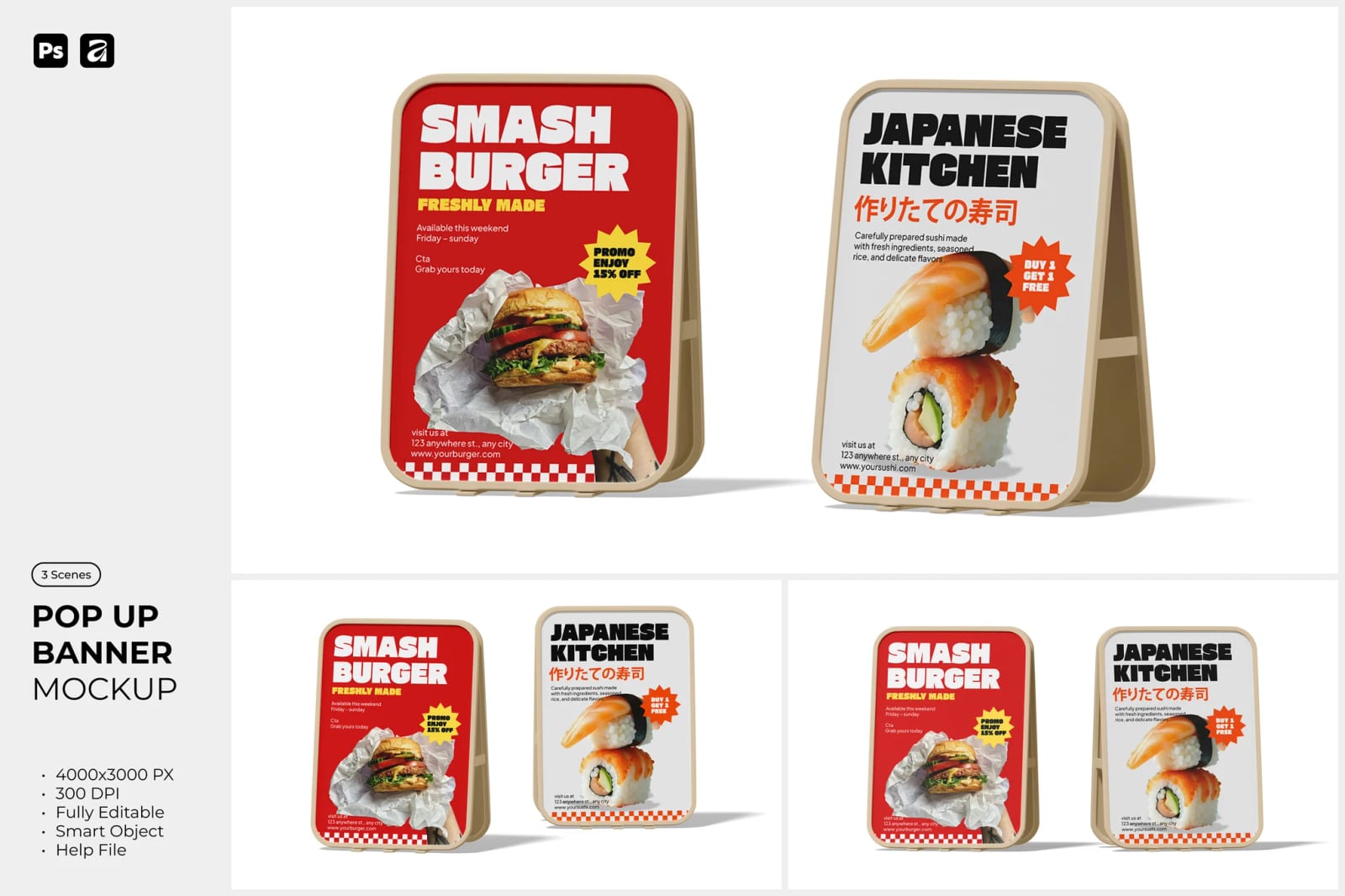
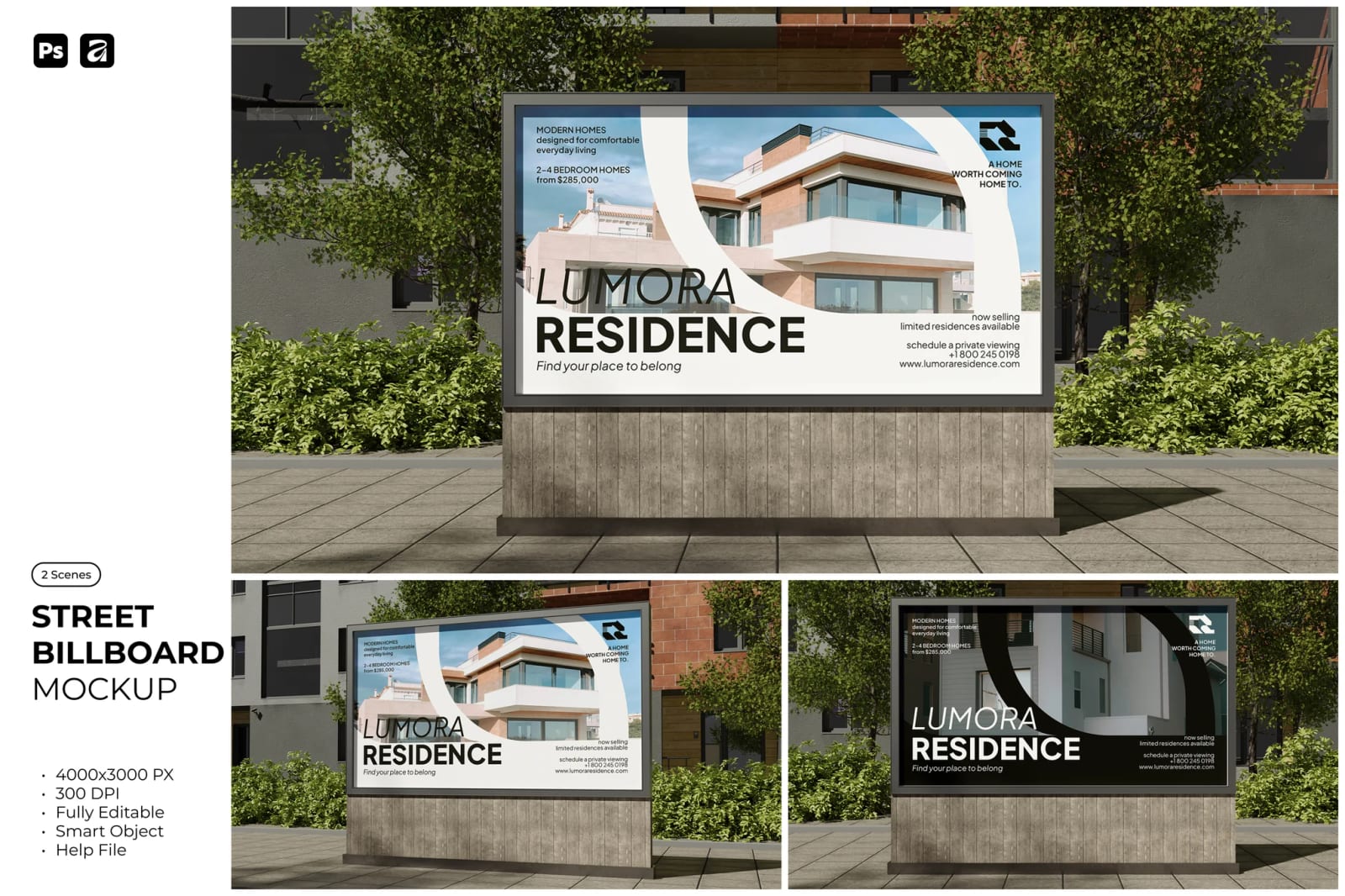
| Mockups and templates | Extensive | More limited |
| Fonts | Large font library included | Smaller selection |
| Website assets | Includes layouts & WordPress theme options | Not a major focus |
| Workflow integration | Standalone platform | Deep Adobe Creative Cloud integration |
| Asset quality | Mixed but wide-ranging | More consistent and polished |
| Best for | Freelancers, creators, marketers | Agencies, professional designers |
Envato Elements vs Adobe Stock: Pros and Cons
While both platforms offer strong features, their strengths and limitations become very clear when you look at their pros and cons.
Envato Elements
Pros
- Unlimited downloads with one subscription
- Wide range of assets (templates, fonts, mockups, themes)
- Cost-effective for frequent use
Cons
- Asset quality can vary
- No direct Adobe integration
Adobe Stock
Pros
- High-quality, curated assets
- Seamless integration with Photoshop, Illustrator, and InDesign
- Strong commercial licensing
Cons
- Expensive for high-volume usage
- Limited templates and fonts
Variety vs Quality
Suppose you are a freelance designer and have several deliverables to provide to a business owner.
In the morning, you use its templates for Instagram stories, in the afternoon, packaging mockups, and in the evening, a presentation deck. Thereafter, you can build a landing page kit or even a WordPress theme to build a quick website.
So, Envato Elements can be very helpful with an all-in-one subscription plan with no separate payments.
Adobe Stock is used in situations where the project requires high-quality visual licenses and a tighter workflow.
For example, an in-house designer is engaged in a product launch campaign. They can access Adobe Stock for clean and professional photography, great illustrations that are connected to other Adobe tools like Photoshop and InDesign.
Also, Adobe Stock is able to alleviate friction in that situation since the search, preview, and licensing experience happens within the already-used tools.
Real Use Cases: Envato Elements Vs Adobe Stock
For instance, the designer has to complete social graphics involving IT, Marketing, and Medical clients with varied needs in the same week. The designer will move with Envato, which provides them with a massive pool of design resources that allows design testing within a short time, in a budget-friendly way.
Now, take another example of an in-house designer in a branding agency, who designs a well-refined and reliable image in a financial annual report. By using Adobe Stock, the designer will choose to add watermarked previews into layouts before final image selection.
To sum up, Envato Elements is for individuals, and Adobe Stock is for large teams.
Pricing and Value
Envato Elements is one of the most cost-effective options for frequent asset downloads. The unlimited one can provide high value for creators who need something beyond stock photography.
Quick availability of templates, mockups, web files, and font library without moving from one design tool to another makes this platform worth the subscription.
Adobe Stock is very expensive when it comes to large asset downloads.
Nevertheless, it might be worth the price if licensed asset quality and efficiency of workflow are more important than volume. Especially for branding agencies and large social media teams.
Pricing Comparison (2026)
| Feature | Envato Elements | Adobe Stock |
| Monthly Cost | ~$16.50/month | ~$29.99/month |
| Download Model | Unlimited | Credit-based / limited |
| Best For | Bulk usage | Premium assets |
A Free Alternative
Not all designs involve a paid subscription. There are free design assets that may suffice for rough sketches, in-house ideas, or student projects, or on smaller budget projects. When wielded in the right way, these resources can lower design costs without affecting creative quality.
For those looking for high-quality mockups without the premium price tag, sites like freedesignkit.com offer a great selection of free design assets. It offers templates, visual elements, and even a convenient font collection to use in any daily design.
For instance, a junior designer is making early homepage concepts ready to pitch to a client. They could grab quick visuals and mockups with freedesignkit.com. Later, that junior designer can upgrade to paid assets on the premium files when approved by clients.
Which Platform Should You Choose?
Choose Envato Elements if:
- You need a high volume of assets regularly
- You create social media content, websites, or templates
- You want a cost-effective solution
Choose Adobe Stock if:
- You need premium-quality visuals
- You work inside Adobe Creative Cloud daily
- You handle branding or commercial design projects
Before making your final decision, here are answers to some common questions agencies, freelancers, and designers ask when comparing Envato Elements and Adobe Stock.
FAQs
Yes, Envato Elements is worth it for designers who need frequent access to a wide range of assets. Its unlimited download model makes it highly cost-effective for freelancers and content creators.
Adobe Stock is better for high-quality, professionally curated assets and seamless integration with Adobe Creative Cloud. However, Envato Elements is better for variety and bulk downloads.
Yes, Envato Elements offers a commercial license for all assets. Each download is registered to a specific project, allowing legal use in client work and commercial designs.
No, Adobe Stock does not offer unlimited downloads. It uses a subscription or credit-based model where users pay per asset or receive a limited number of downloads per month.
Envato Elements is generally better for beginners due to its simplicity, affordability, and wide variety of ready-to-use templates and design assets.
Yes, many designers use both platforms together. Envato Elements is used for bulk assets and templates, while Adobe Stock is used for high-quality visuals and professional projects.
Final Verdict
Both Envato Elements and Adobe Stock are useful, but in different ways. Envato Elements is flexible and designed for high-volume creative work. Whereas Adobe Stock is very useful for commercial licensed work and strict workflow needs. To most designers in 2026, it might not be the wisest design strategy to pick just one tool, but a freemium mix of design tools.
Latest Freebies